Help Me, I’m Bored! What Should I Do?

Tap the bored little monster for one quick thing to do. If it fails to transform your life, tap it again.

Boredom Busters: 0
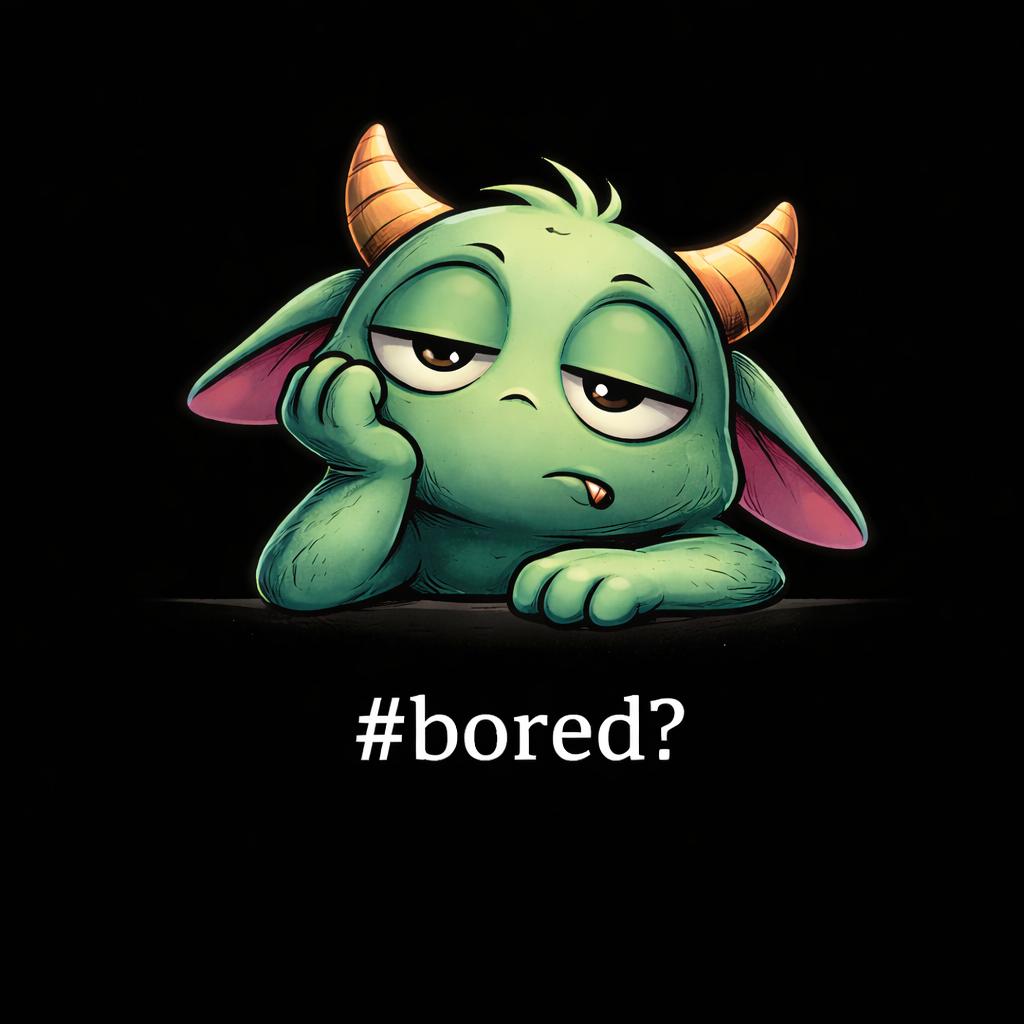
A really bored little monster looks very bored and fed up.

#bored

Too bored to keep clicking? Peek at 20 ideas now... Click to expand

20 ideas for when you're bored.

  1. Do a dramatic stretch then stop halfway
  2. Pretend today is fake
  3. Shake your head slightly at the universe
  4. Do one unnecessary spin in your chair
  5. Raise one eyebrow and hold it
  6. Silently applaud yourself
  7. Act like something just went wrong
  8. Point at something meaningless and laugh hysterically
  9. Nod like you agree with yourself
  10. Pretend someone is watching
  11. Try to look busy immediately
  12. Do a tiny shoulder shimmy
  13. Say “right then” internally
  14. Fake a sudden realisation
  15. Look disappointed in the air
  16. Shrug at existence
  17. Pretend you’re waiting for instructions
  18. Lean back like a movie villain
  19. Lean forward like a movie detective
  20. Look at the button suspiciously
  21. This is number 20. Sing to 20 out loud as loudly as you can

Generator guide

About Help Me, I’m Bored

What is Help Me, I’m Bored?

Help Me, I’m Bored is a free activity generator for the precise moment your brain says “do something” and refuses to specify what. Tap the bored monster and it serves one tiny, silly thing to do right now.

How to use Help Me, I’m Bored

  1. Tap or click the bored monster.
  2. Read the next suggested boredom buster.
  3. Do it, ignore it or tap again with quiet disapproval.
  4. Open the ideas list if you are too bored to continue tapping.

What changes as I keep tapping?

The Boredom Busters counter increases with every tap. The monster changes its expression after every five taps, and your progress through the ideas is saved in this browser. The monster remains unimpressed.

Frequently asked questions

Is Help Me, I’m Bored free?

Yes. It is free to use in your browser, with no account or download required.

Will it give me a different idea each time?

It moves through the available ideas one at a time and starts again after reaching the end. Your position is saved locally in this browser.

Why does the monster change?

The monster changes image after every five taps. This is its main opportunity for professional development.

Can I use it on mobile?

Yes. Tap the monster on a phone or tablet, or click it on a desktop computer.

How do I turn the sound on or off?

Use the speaker button in the site header to turn the bored-monster sound on or off.